
Applies to: iPublisher
eSDS
eSDS is a feature in which user can upload Exposure Scenario(s) (ES) for hazardous substance
and use it combined with SDS to create extended SDS (eSDS). This can be used for companies that need to create an extended SDS with an exposure scenarios (ES*) attached and that the eSDS must be supplied if a hazardous substance is registered in a quantity above 10 tons per year per registrant.
Uploaded ES is visible for any copy of the substance (with same combination of values for
CAS and EC number). See more about how to connect an ES here: Exposure scenario document
Any product, which uses substance with available ES, can be used to create eSDS,
Created eSDS will be market specific, which will be inherited from used SDS.
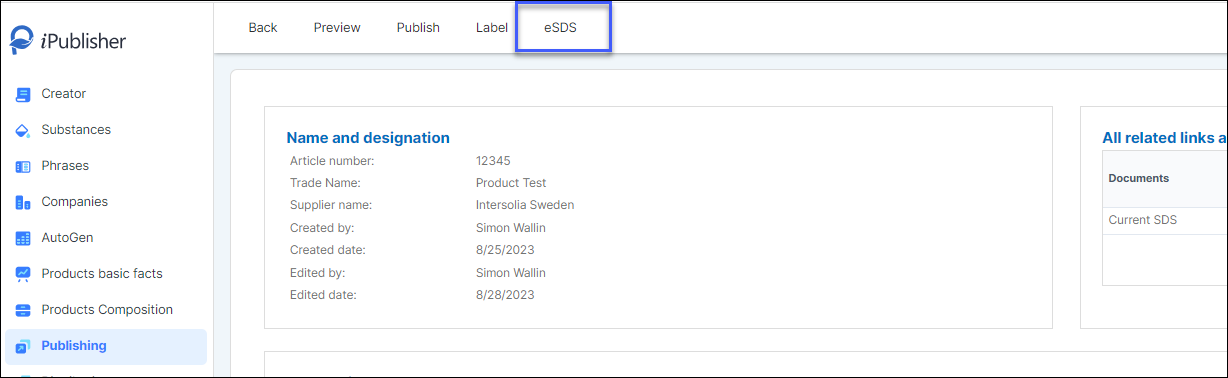
Create eSDS
1. Click on the SDS and the ES that you want in your eSDS
The selected SDS and ES will fall down under to selected SDS/ES
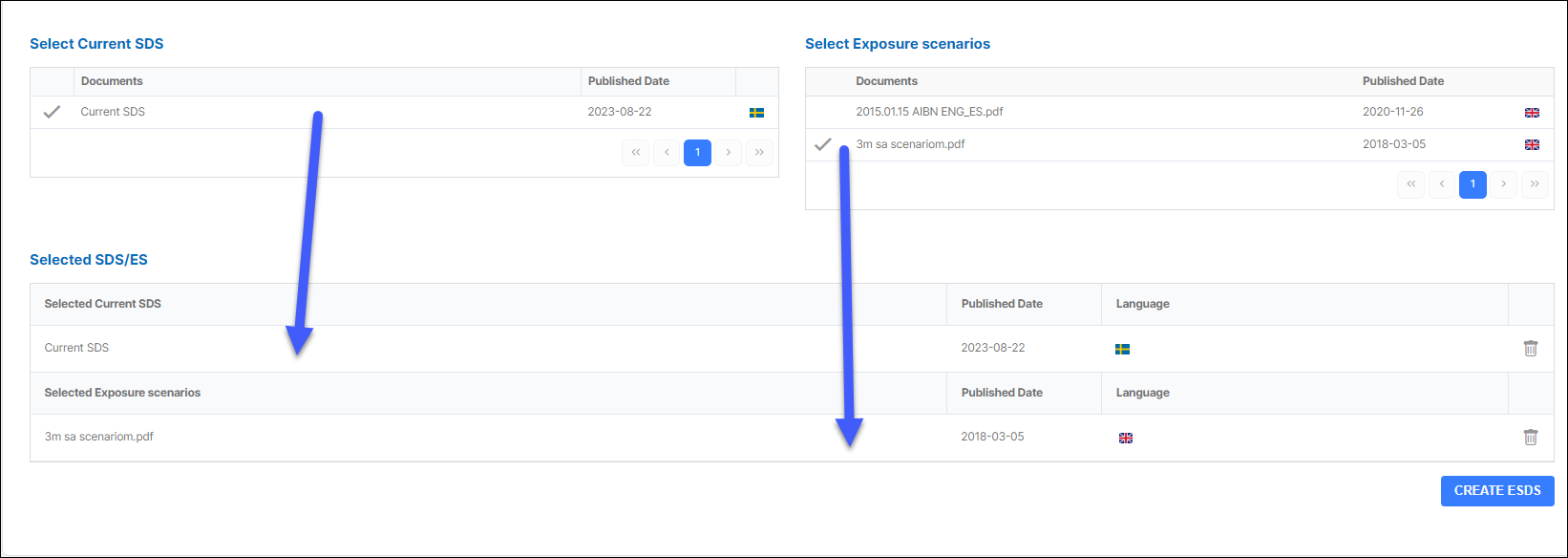
2. Click on Create ESDS
3. The eSDS is created and visible in the eSDS list below:
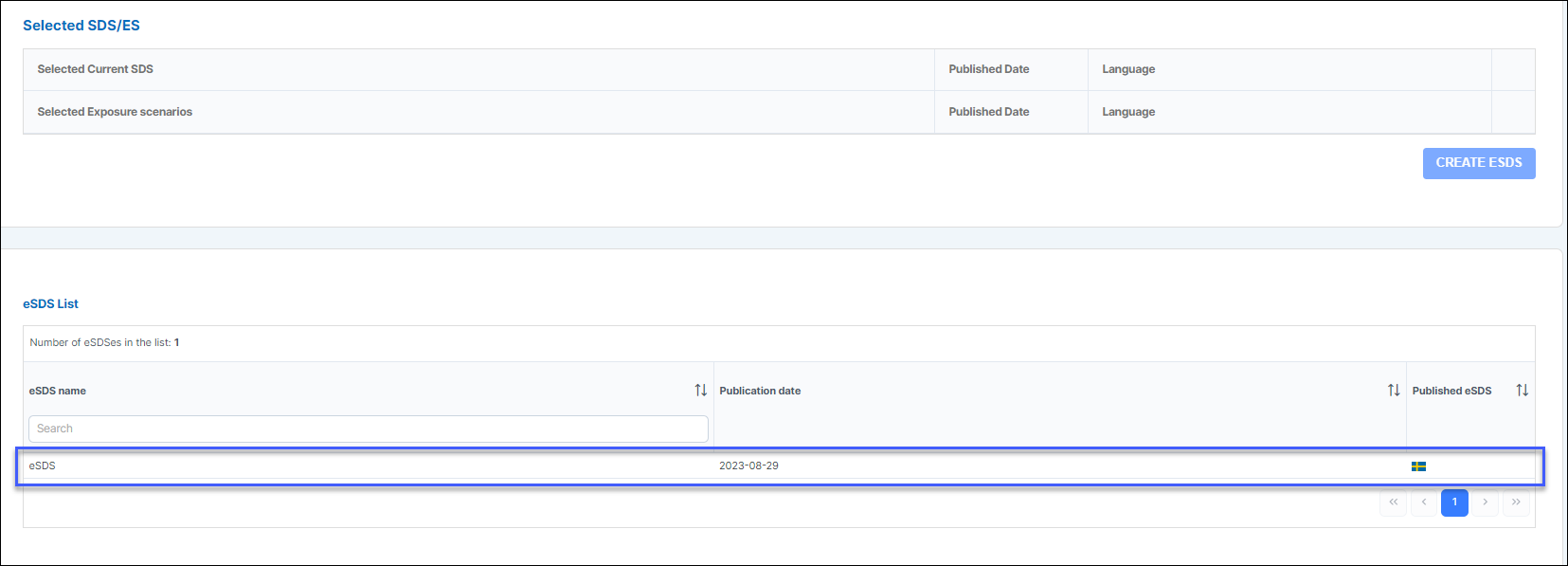
The eSDS is also visible in the product page of the product: