Applies to: iPublisher
Connect exposure scenario document
If you want to connect an exposure scenario document to an SDS and to create an eSDS (eSDS), it can be done via a substance that the exposure scenario affects.
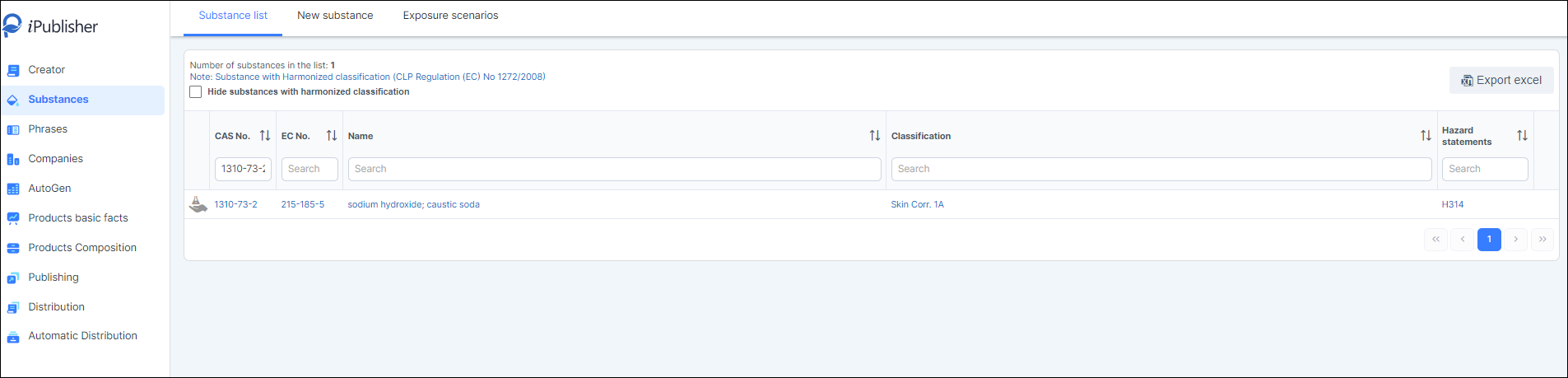
1. Go to Substances
2. Search for the substance
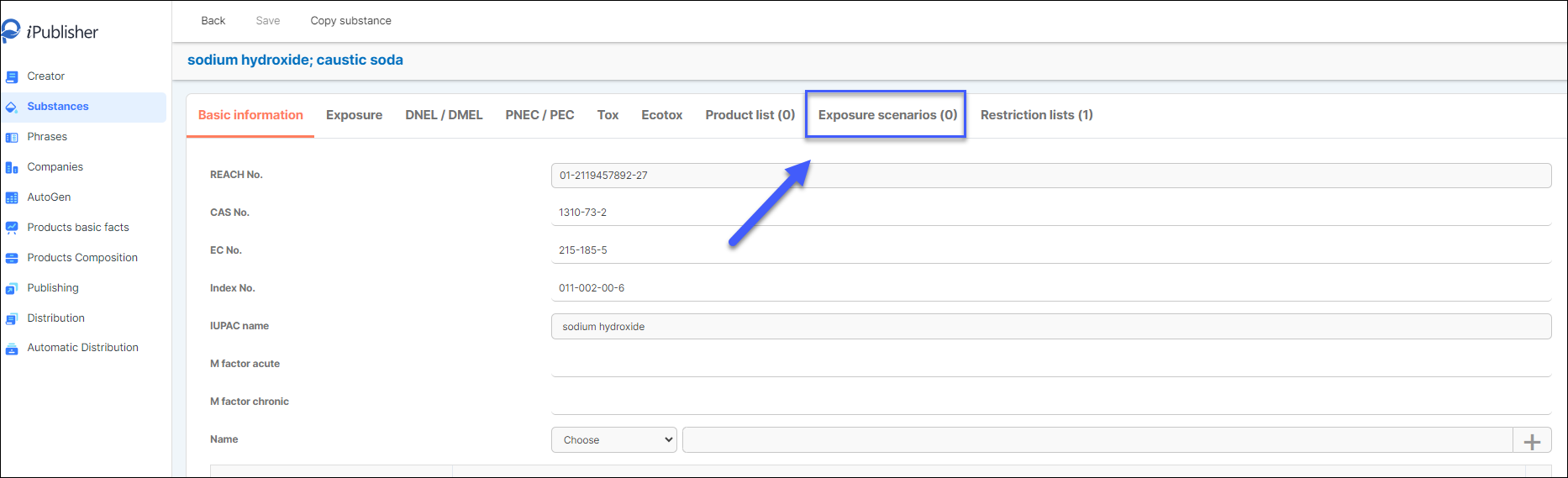
3. Click on the substance
3. Click on Exposure scenario tab
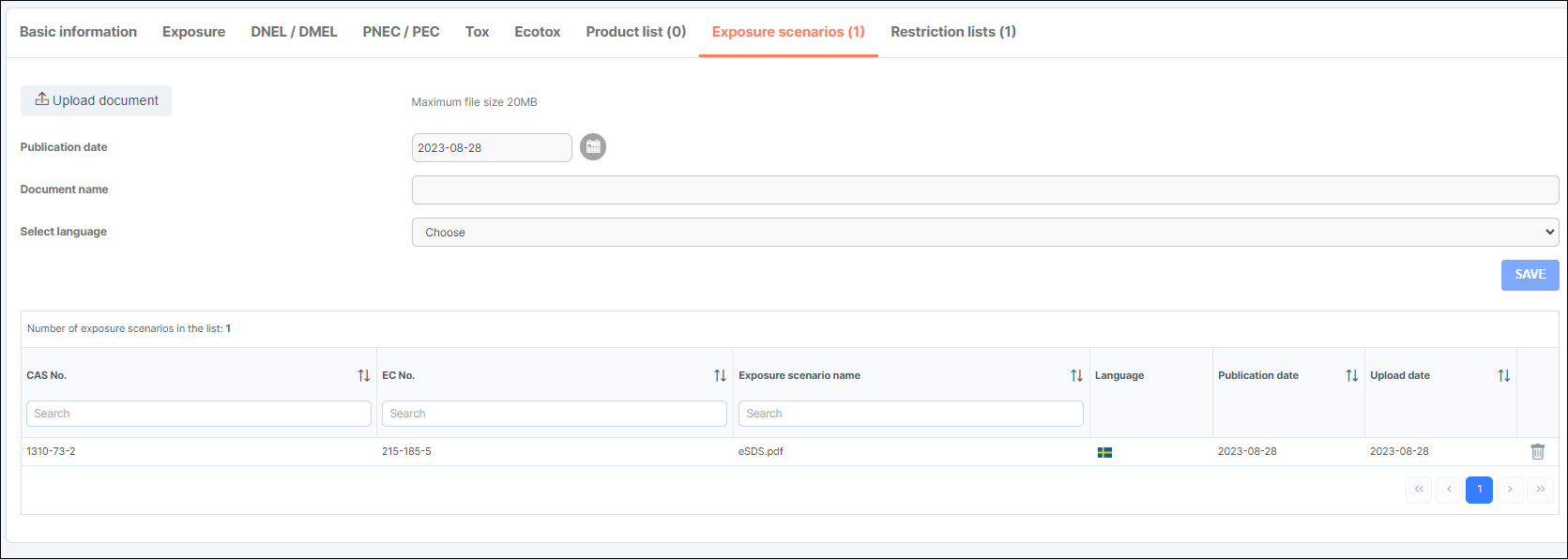
4. Click on the upload button to upload an document

5. The document name will be prefilled with the document name
6. Select what language the exposure scenario has in the drop down.
7. Click on save to add the document.

8. Now you have connected an exposure scenario document to a substance. Next step is to create an eSDS to the products that contains this substance and those that shall have an eSDS.
9. To create an eSDS look here: eSDS