Q: How do I reset my password?
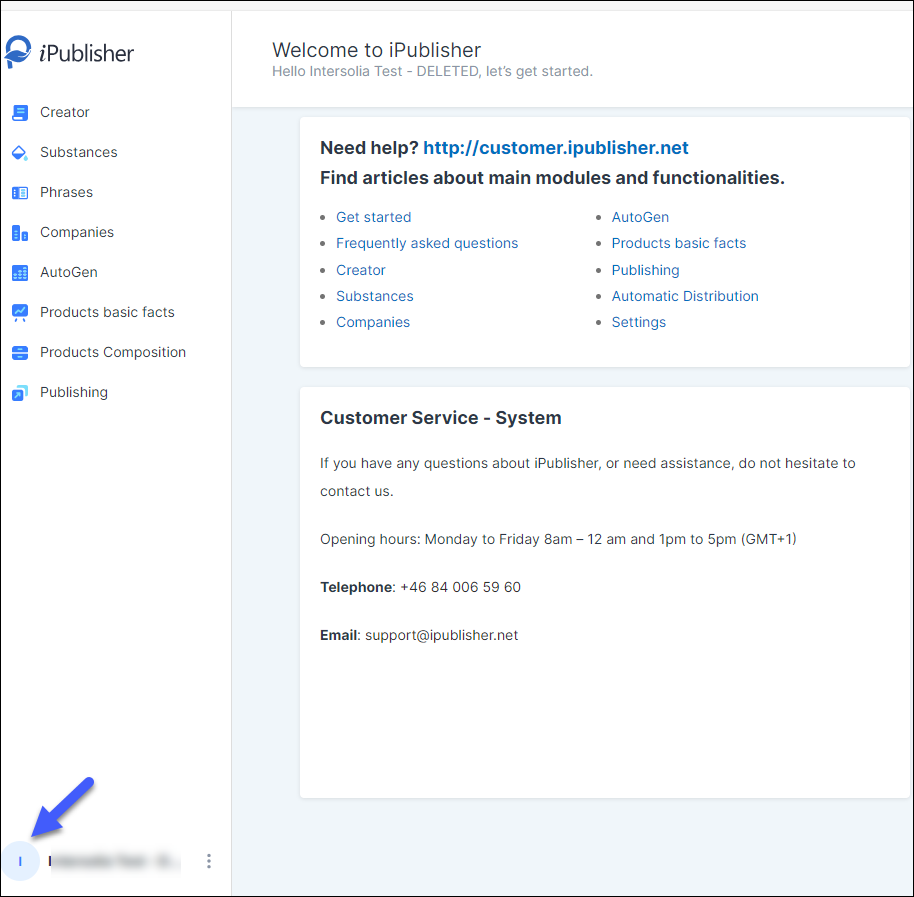
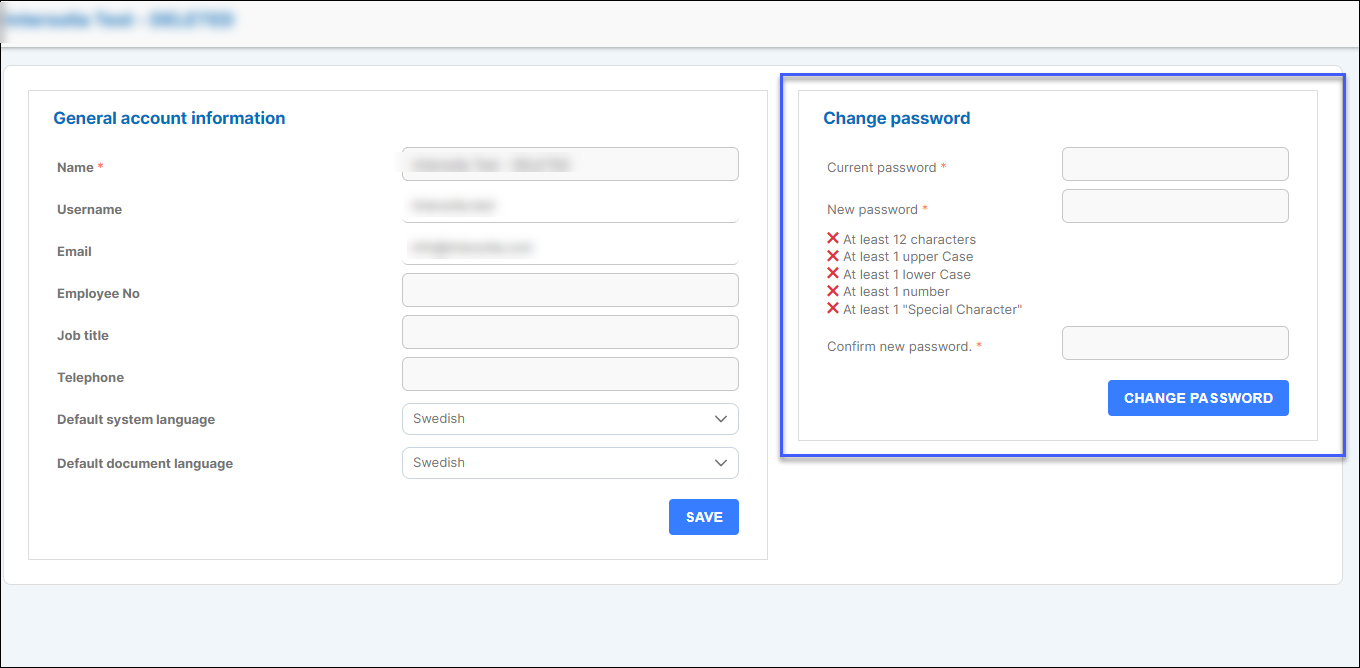
A: If you know your current password and have logged in, you can press the i-buttion in the bottom left on the screen to reach your user profile. You will have the ability to change your password from that view.
Q: I have forgotten my password. What do I do?
A: On the iPublisher login page, there is an option to reset your password if you have forgotten it.
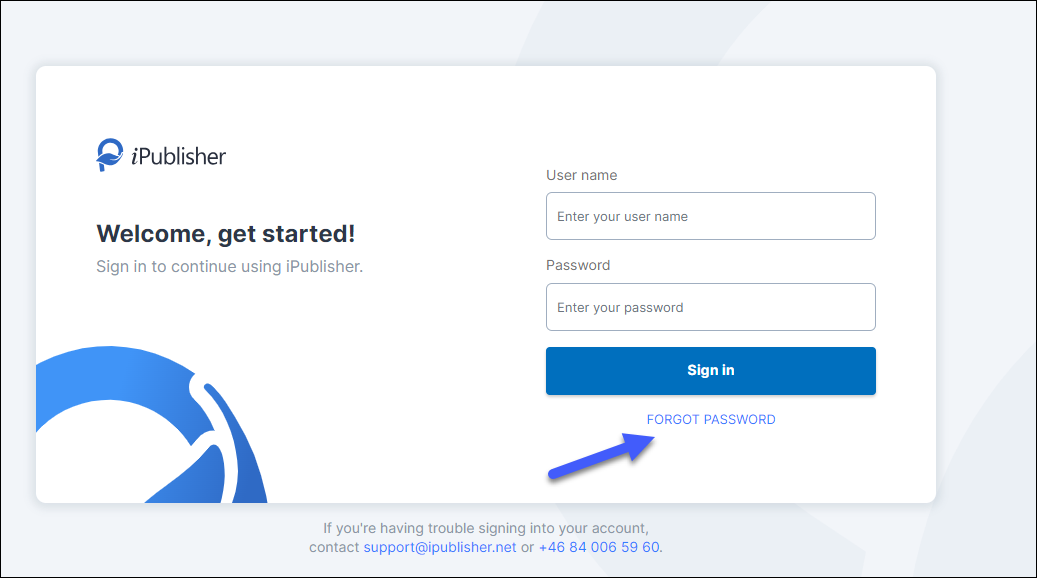
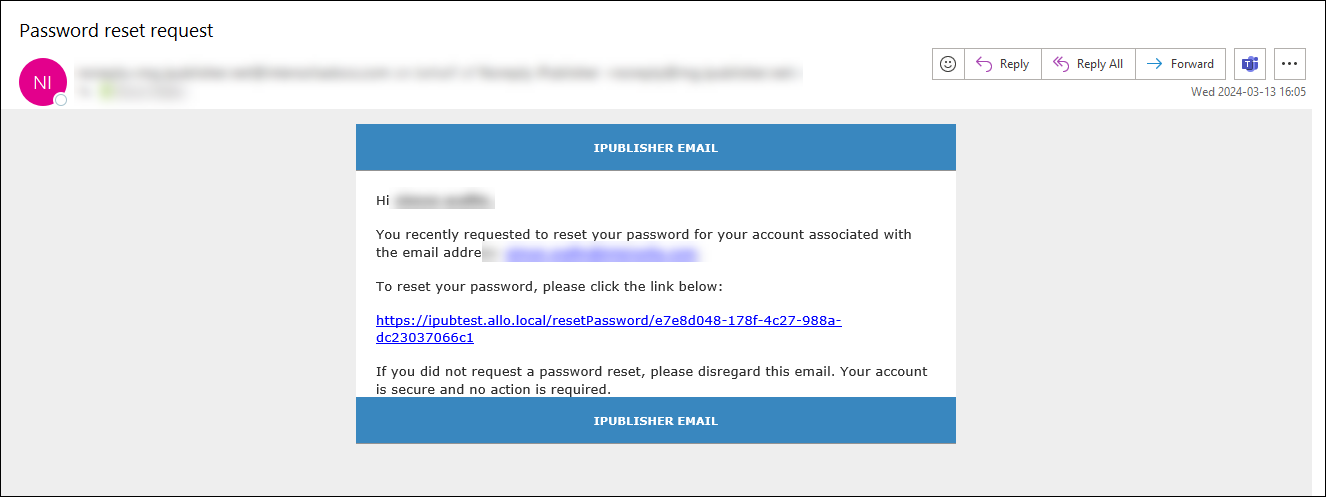
After you have pressed the 'Forgot Password-button' you will have an option to fill in your email address. You will then receive an email with a link to set a new password. (Check your spam/junk folder if you do not receive and email)
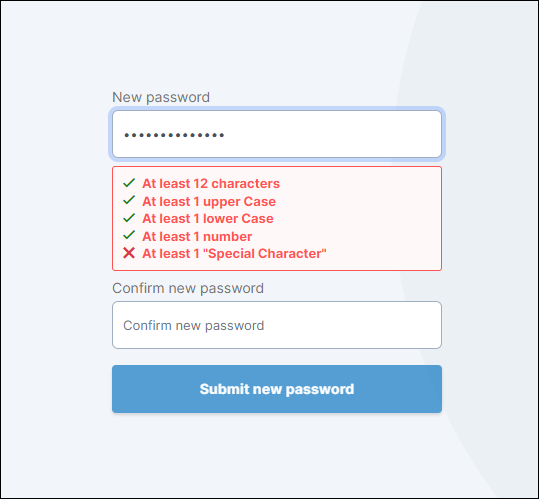
Choose a new password that meets the requirements mentioned in the image below.