Applies for: iPublisher
Where: Settings > Safety sheet template editor
Adding additional fonts can be done in iPublisher to further customize your safety data sheet.
If you are looking for fonts, we recommend visiting www.dafont.com
To begin adding your new font simply click on the three dots in the bottom left of iPublisher to bring up Settings.
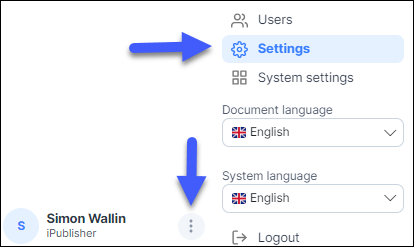
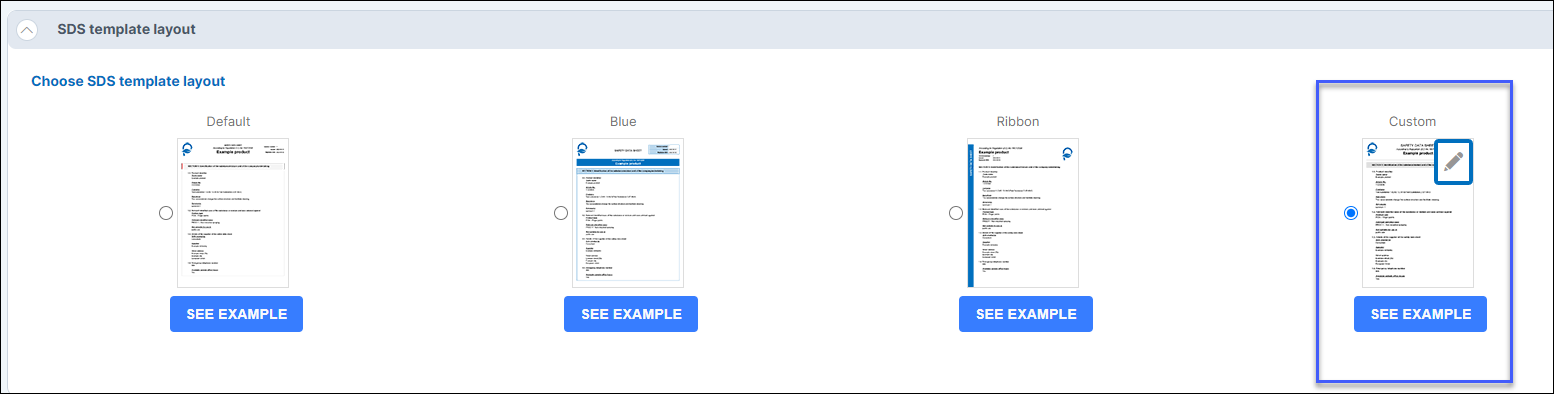
In Settings, scroll all the way down until you see the safety data sheet templates and choose Custom.
If you do not have this function, please contact support (support@intersolia.com)
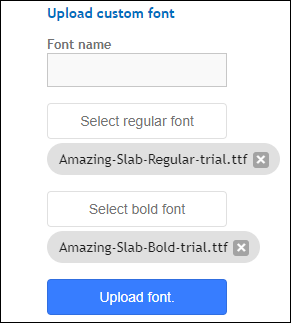
Adding a font requires you to add two files.
One regular and one bold version of the font are uploaded and can be seen in the image below.
Click Upload font when you are done.