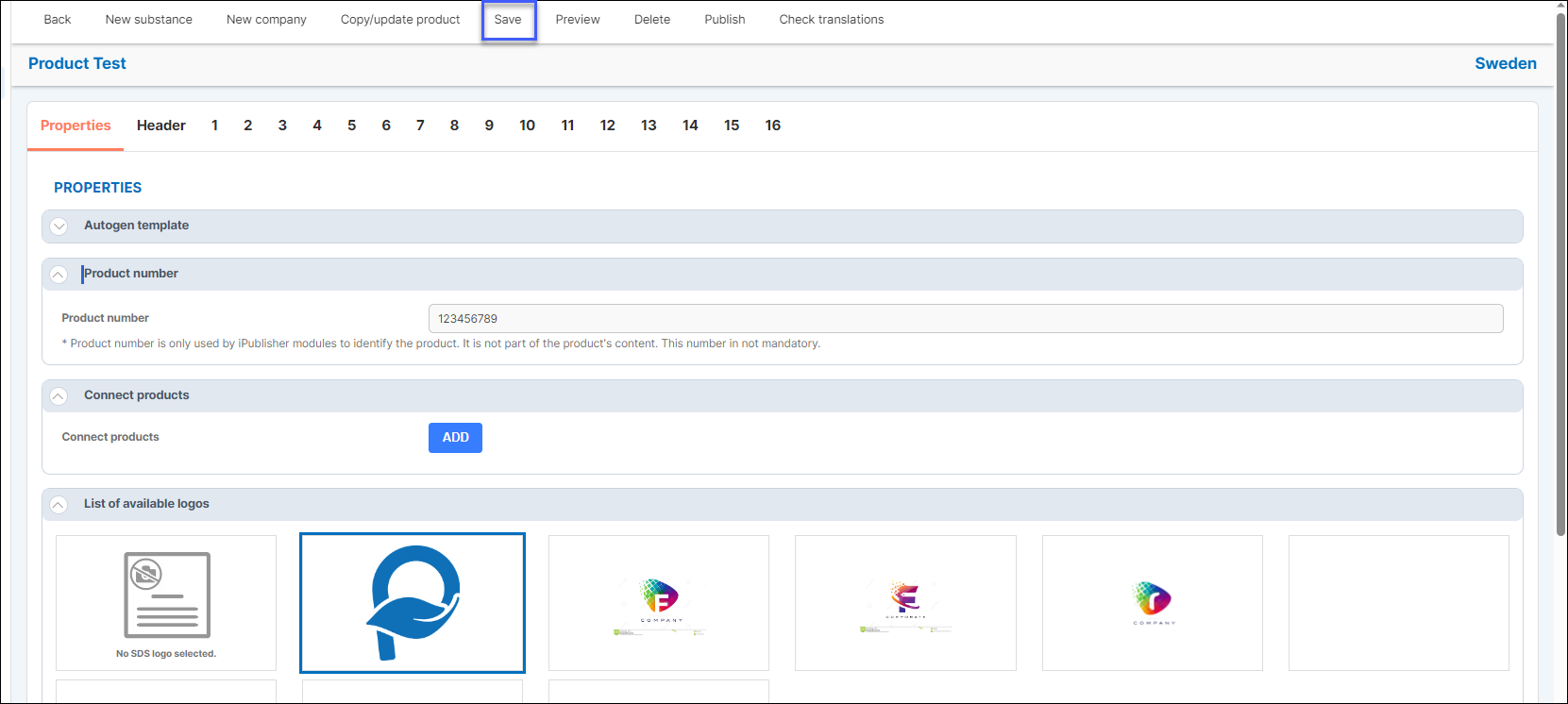
Applies for: iPublisher
Where: Creator > Product > Properties
In iPublisher users can choose to use a variety of different logos for their safety data sheet.
Logos are uploaded and managed by the users only and can be found under the Settings-icon in the upper right menu row.
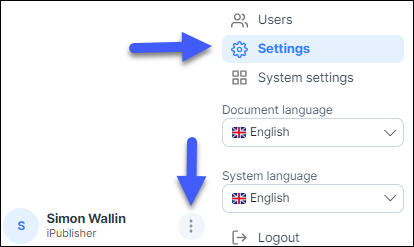
Scroll down and you will find logos that are already added and also have the option to add new logos by clicking on the upload-icon marked in blue.

Select a logo by clicking on it and click Save in the upper left.
This change will apply the logo to all your safety data sheets, however, you can choose to use specific logo for a product instead of all safety data sheets as well.
To add a specific logo for your product, start by going to Creator and choose your product.
While in Creator, click on Properties and choose your desired logo and Save.