Applies for: iPublisher
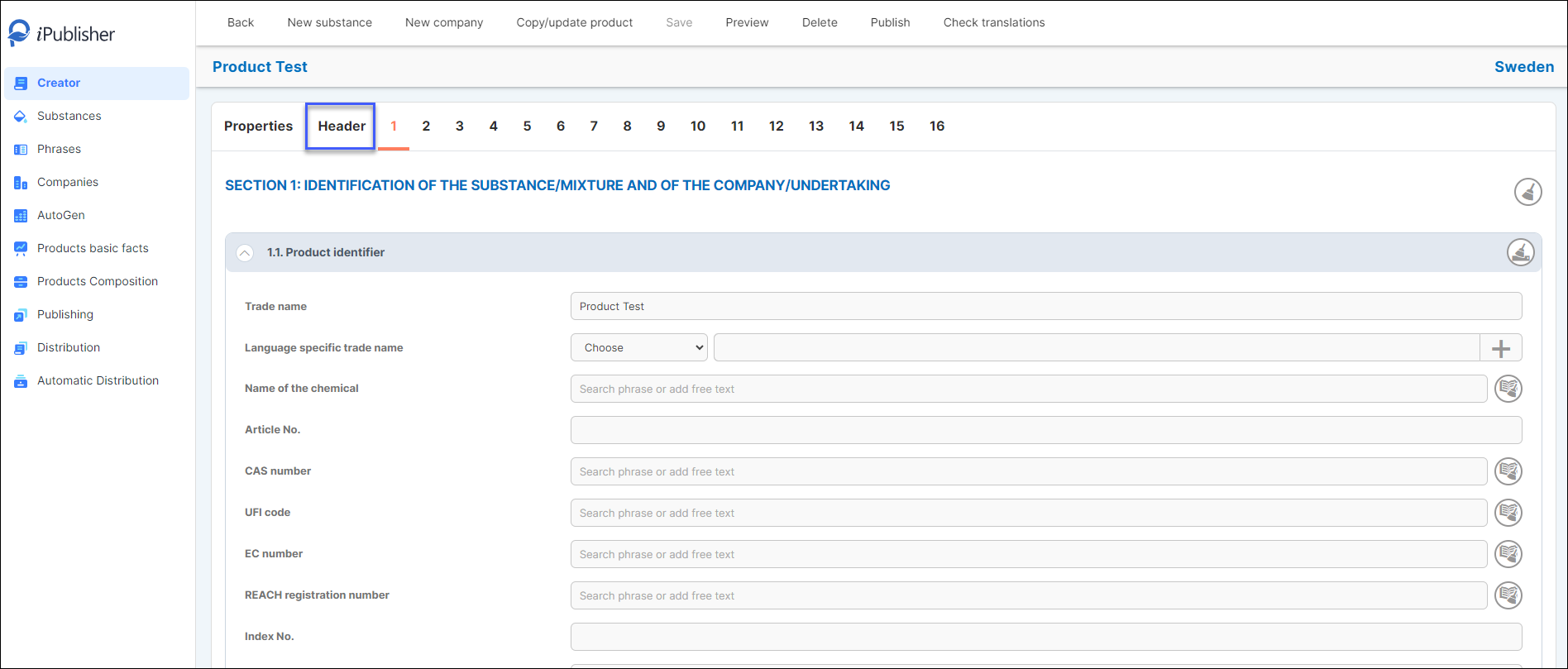
Where: Creator > Product > Header
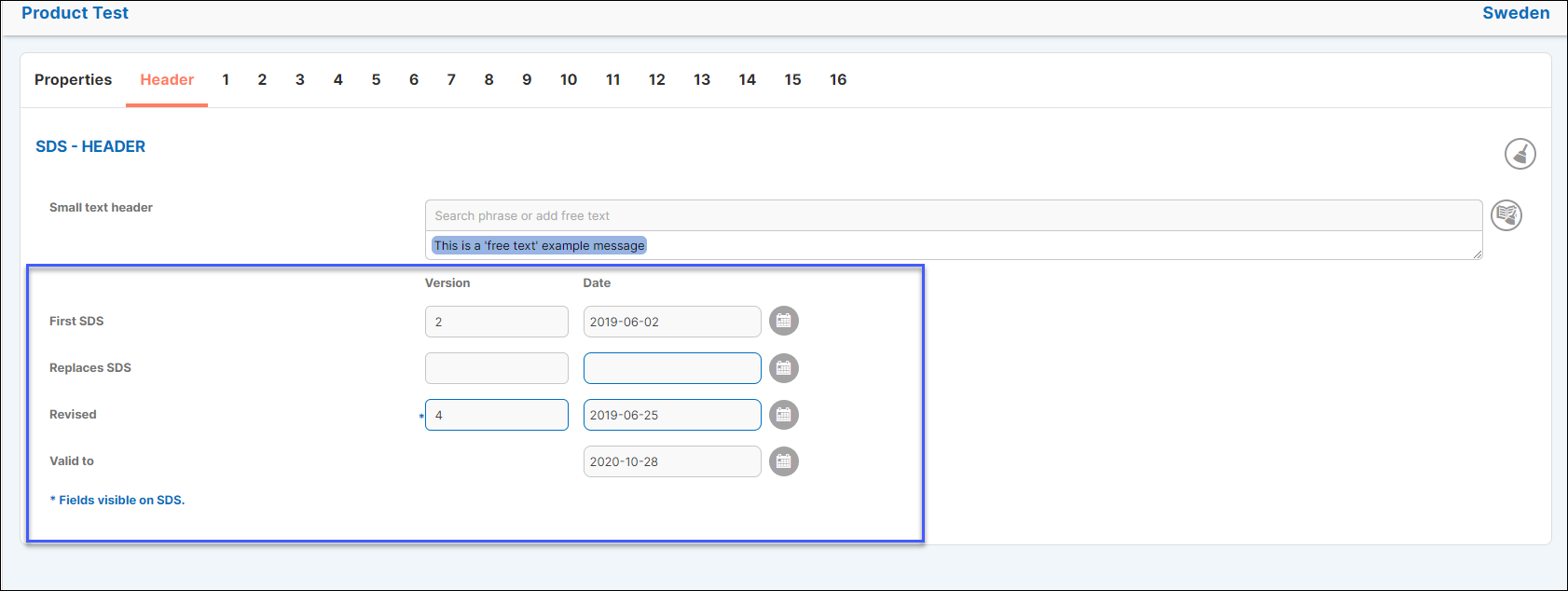
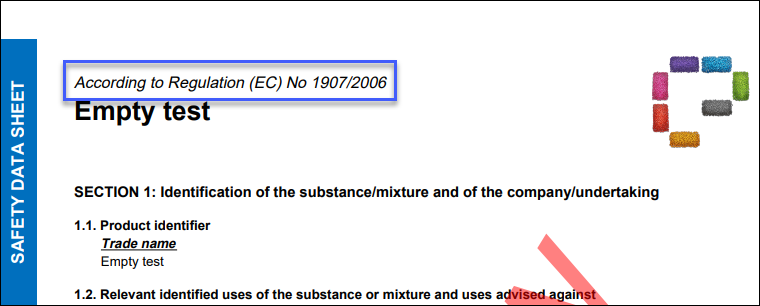
Header (marked in blue) lets the user add dates, when the SDS has been revised and lastly a small text header for their SDS.
Small text header adds information in the SDS above the product name.
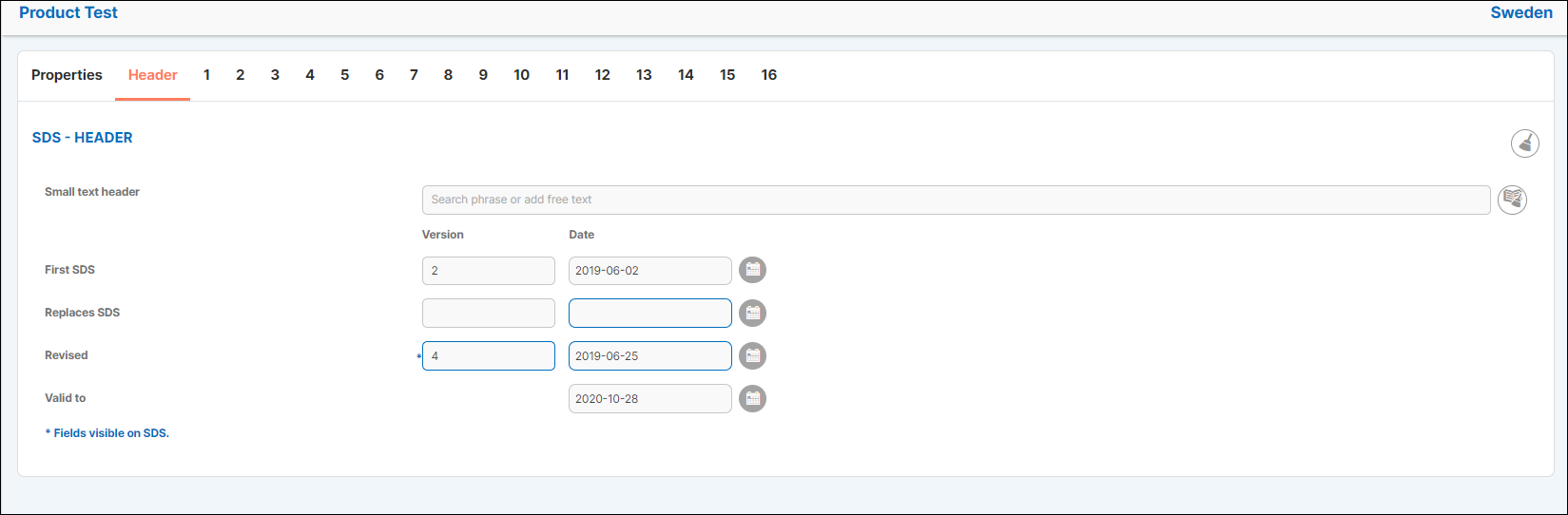
Use an existing phrase in your library of phrases or choose to add free text.
Type your custom text in the box and press the enter key on your keyboard to add your text or search for an existing phrase and click on it to add it.


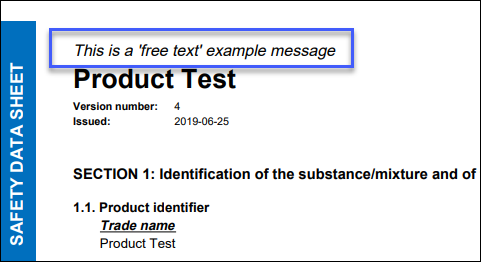
If you leave the Small text header empty it will automatically show "According to Regulation (EC) No 1907/2006" on the pdf.
Click on the calendar icon to add dates to each corresponding field for your product.
Keep in mind that the fields and dates marked in blue are the ones which will be visible on your SDS.