Applies to: iPublisher
Where: Creator #1
Country specific trade name
iPublisher offers a way for the user to add country specific trade names for a product depending on which market the product is published to.
Example:
Your product is English but you want the trade name to change depending on the language.
Choose your desired country and then type in your trade name and click the + icon to add it to your product.
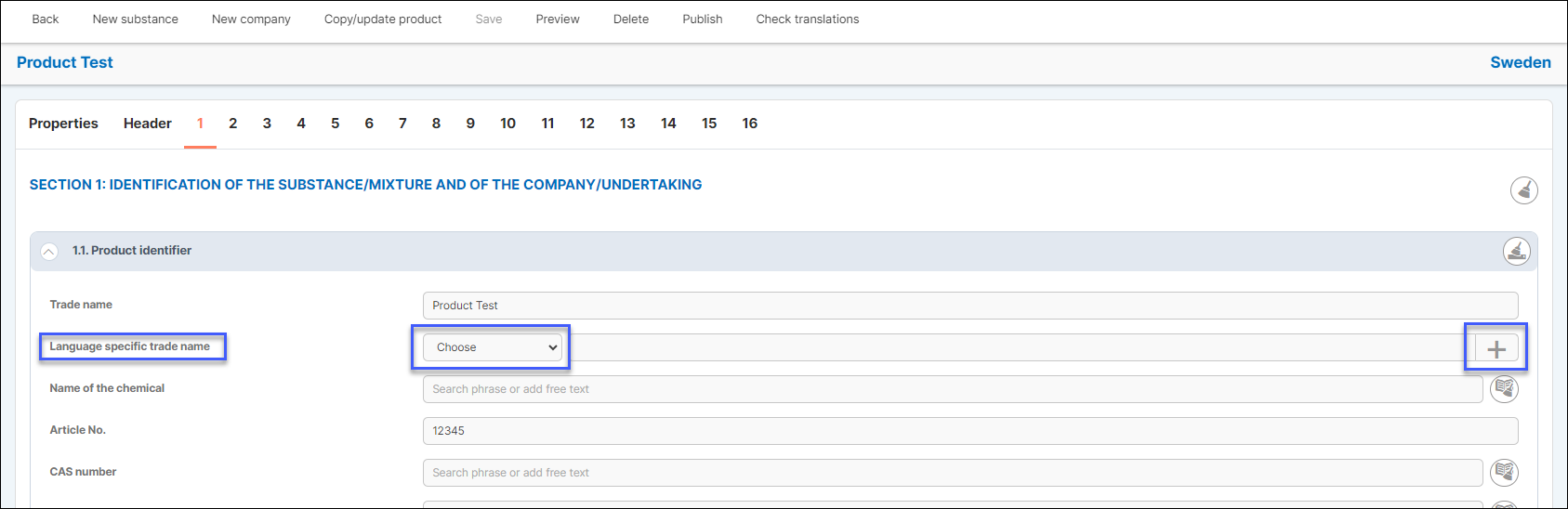
You can edit an already added trade name simply by clicking on it. When you are finished editing the trade name simply click on the done icon or press Enter.

Emergency phone number
iPublisher offers a way for users to change the emergency telephone number depending on the published market for your product.
Example:
Your product is English but when you publish it to other markets you want the number to change according to their standard.
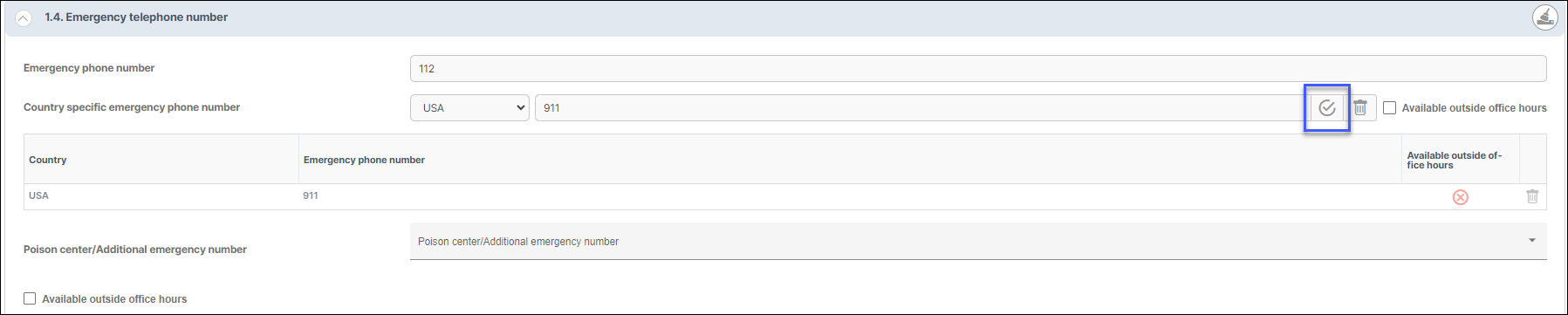
Choose your desired country and type in your number. Click on the + icon when you are ready to add it to your product.

User can choose to edit already added emergency phone numbers. Simply click on the number and change the number and click on the done-icon or press Enter.