Applies to: iPublisher
TABLE OF CONTENTS
Custom template
Included in the add on function for the SDS template you can choose to edit your own SDS with font, color and look.
Condition: The user you are logged in with must be an administrator.
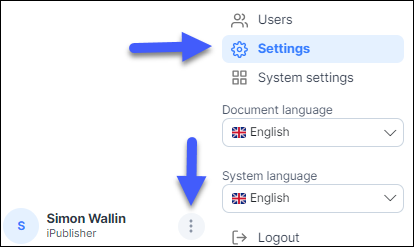
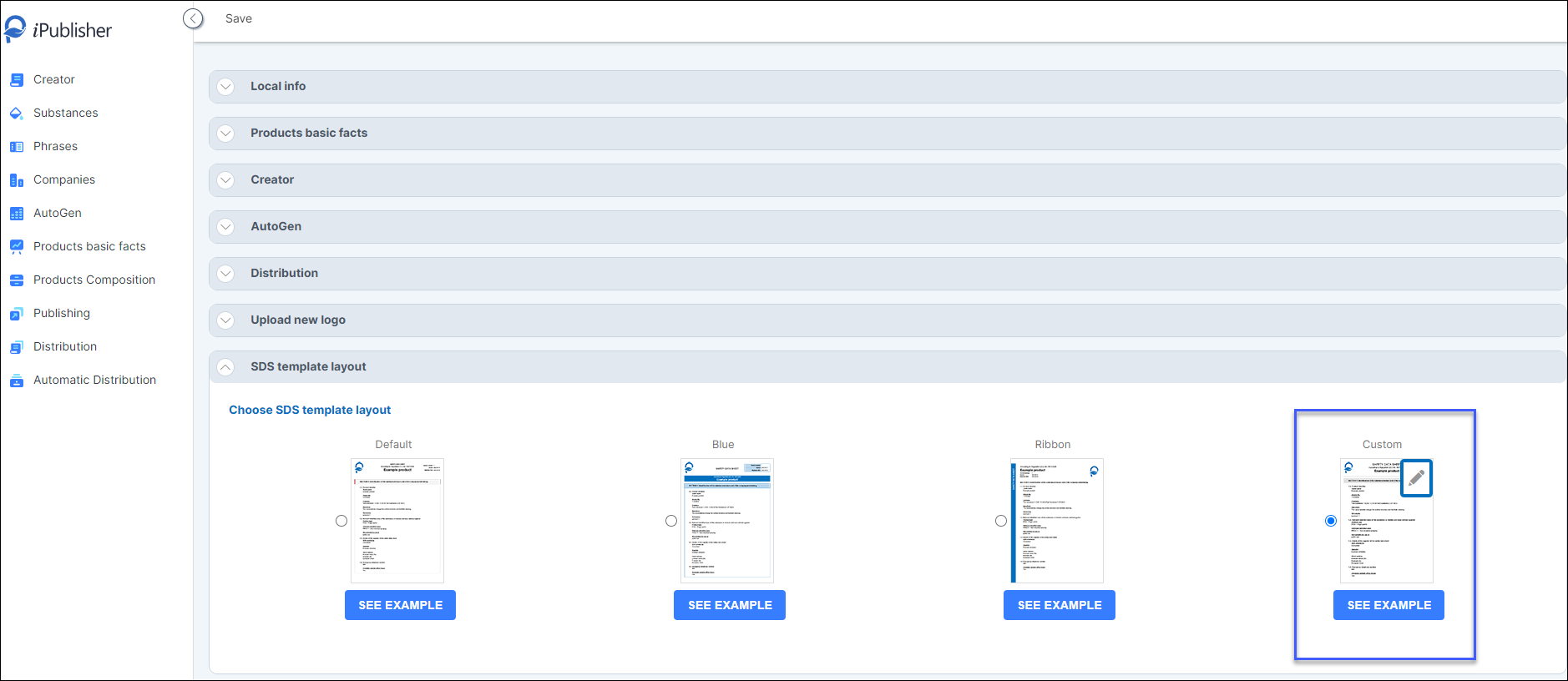
- To set a custom template for your SDS go to the settings page. Go to SDS Template layout and choose Custom the field for the editor will be locked up.
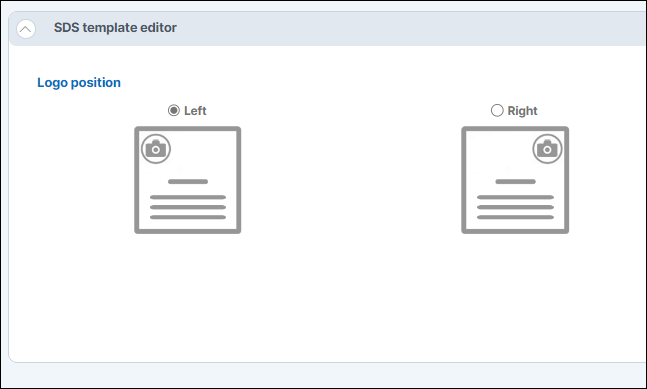
Logo position
Decide on the position for the logo in the safety data sheet.
Font size and font selection
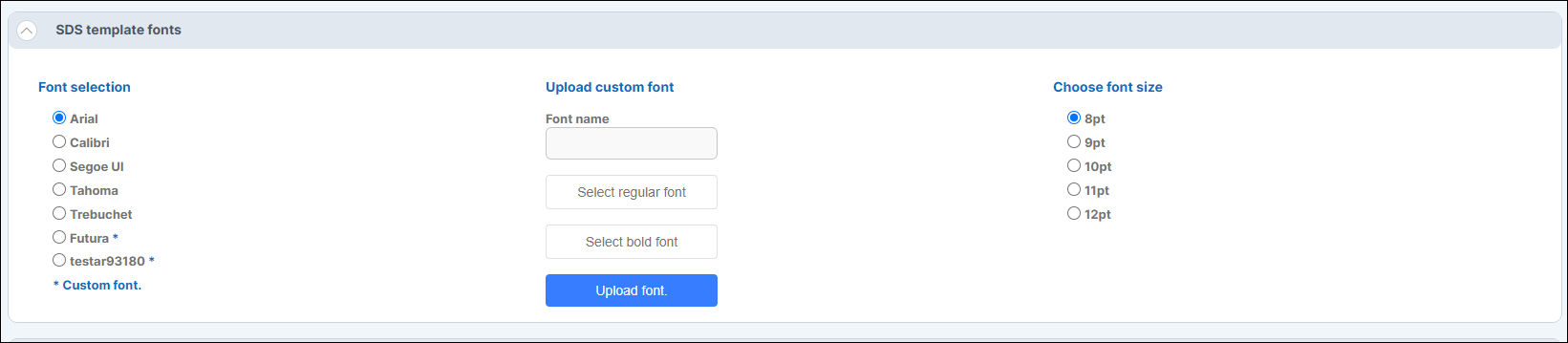
Here you can choose the size of the font you want your bread text in the SDS to have. (This do not regard the headline sizes). You can also select what font type the text should have in the SDS. Choose between these fonts:
Highlight color
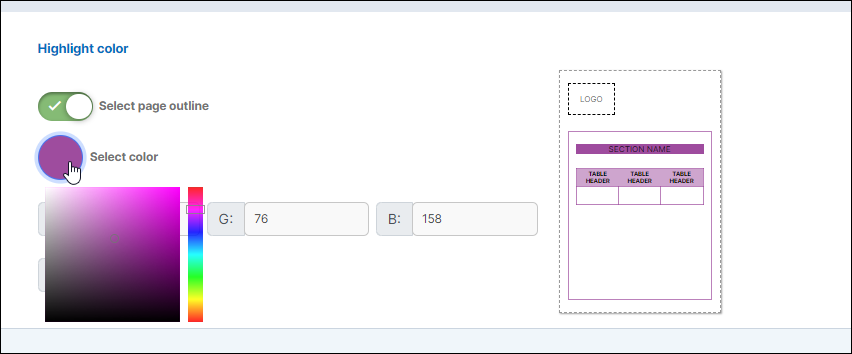
Here you can select the headline color:
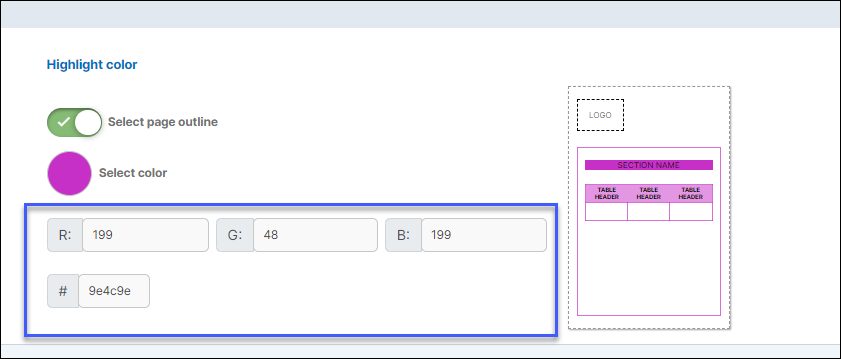
If your company has an hexcode you can use that to control and set the the template color.
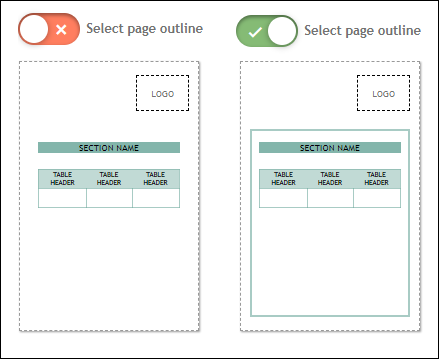
Select page outline
In the SDS you can choose to have an outline