Applies for: iPublisher
Where: Creator
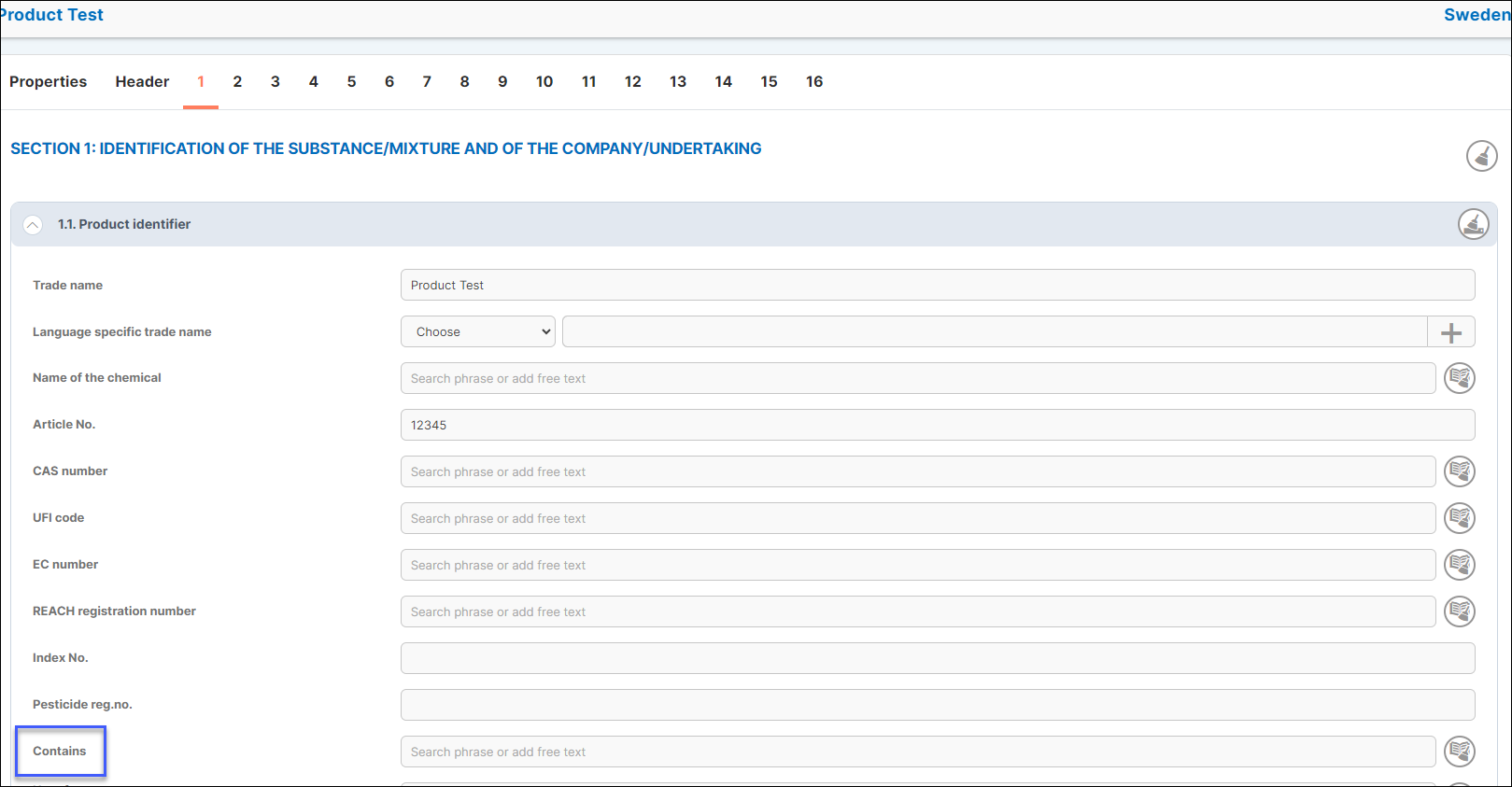
In Creator the field 'contains' allows the user to add a substance and it's CAS/EC number for an easier overview of what the product contains.
Begin by choosing your product in the Creator product list:

You can choose by either using free text or existing phrases when adding the information.
Please refer to our iPublisher manual for more information regarding free text and phrase-mode, HERE
The button for adding this can be located to the right of the field identified as a "book icon."
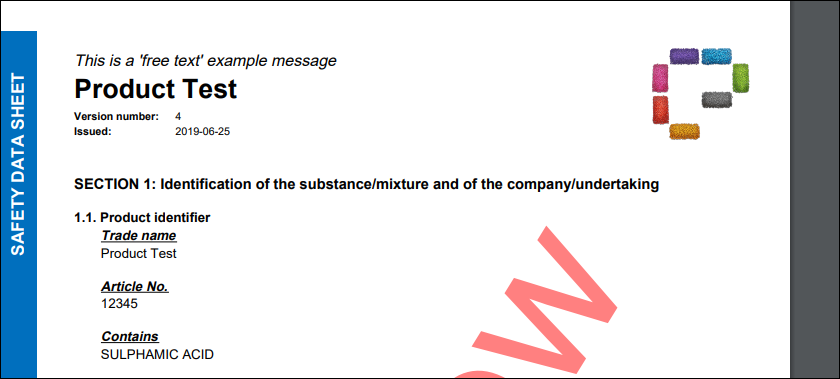
Section 1.1 in the safety data sheet now shows the substance added: