
Applies for: iPublisher
Where: Autogen, Raw material
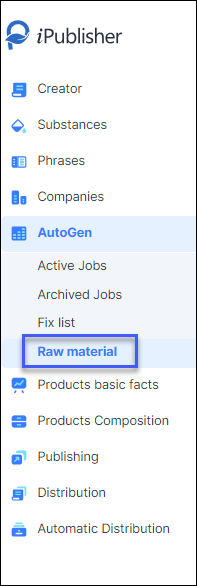
Begin by clicking on Autogen and then choose Raw material in the menu:
Add a new raw material by clicking 'add' and an inventory window will open.

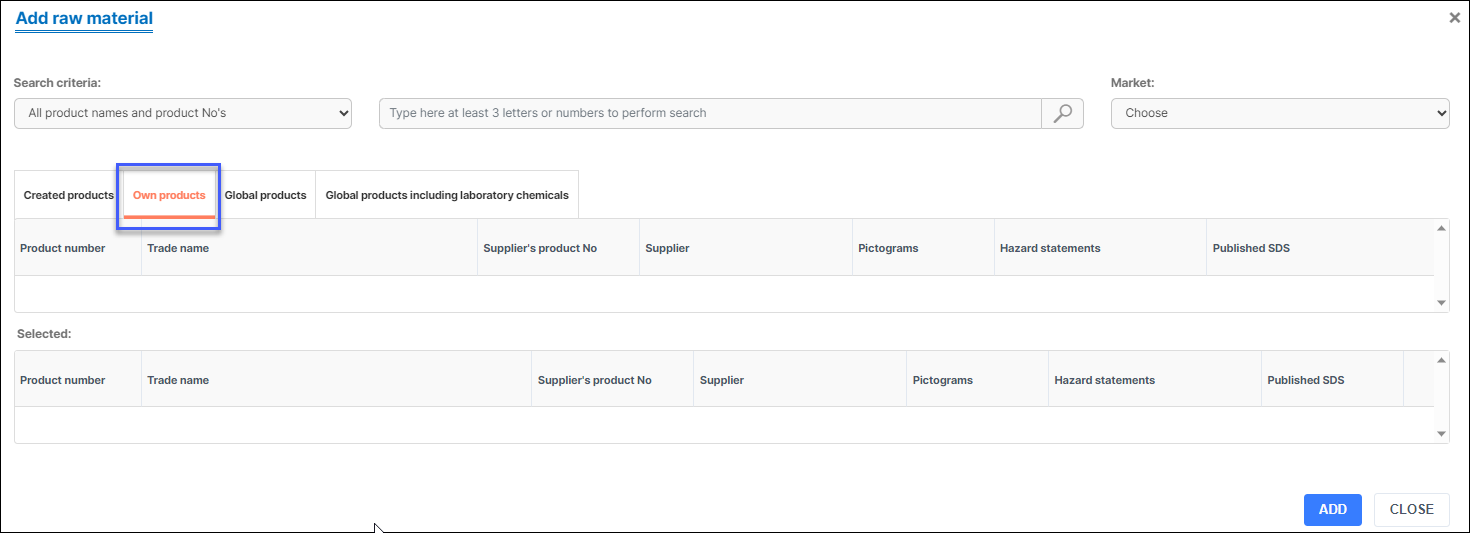
The inventory window will show the 'own products' tab by default and it is convenient as most users add their own raw material for creating products.
Use the search field in the upper middle and select your desired product and click 'add'. You will later find the added raw material in your raw material list.