
Applies to: iPublisher, Swedish users
Where: Autogen, Product basic facts
For users who register their products at KEMI, iPublisher offers a way to download a quittance list to excel.
Begin by downloading the template for registering products at https://www.kemi.se/produktregistret/hjalp-till-e-portalen
Note! The GUID number from KEMI's Excel file needs to be included in the file.
Note! Please see below for accepted file formats.
Recipe file - XLSX format
Quittance file from KEMI - CSV UTF-8 (Comma delimited) format
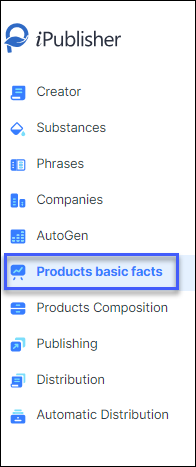
Then you will need to create a basic fact in the Products basic facts module for the products that are being reported.
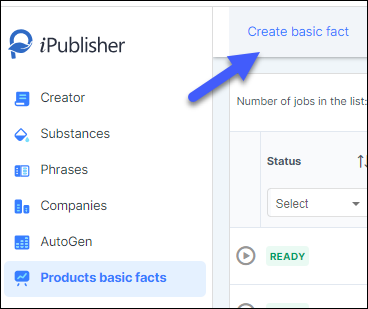
Click on Create basic fact in the upper left and you will be met with the following page:
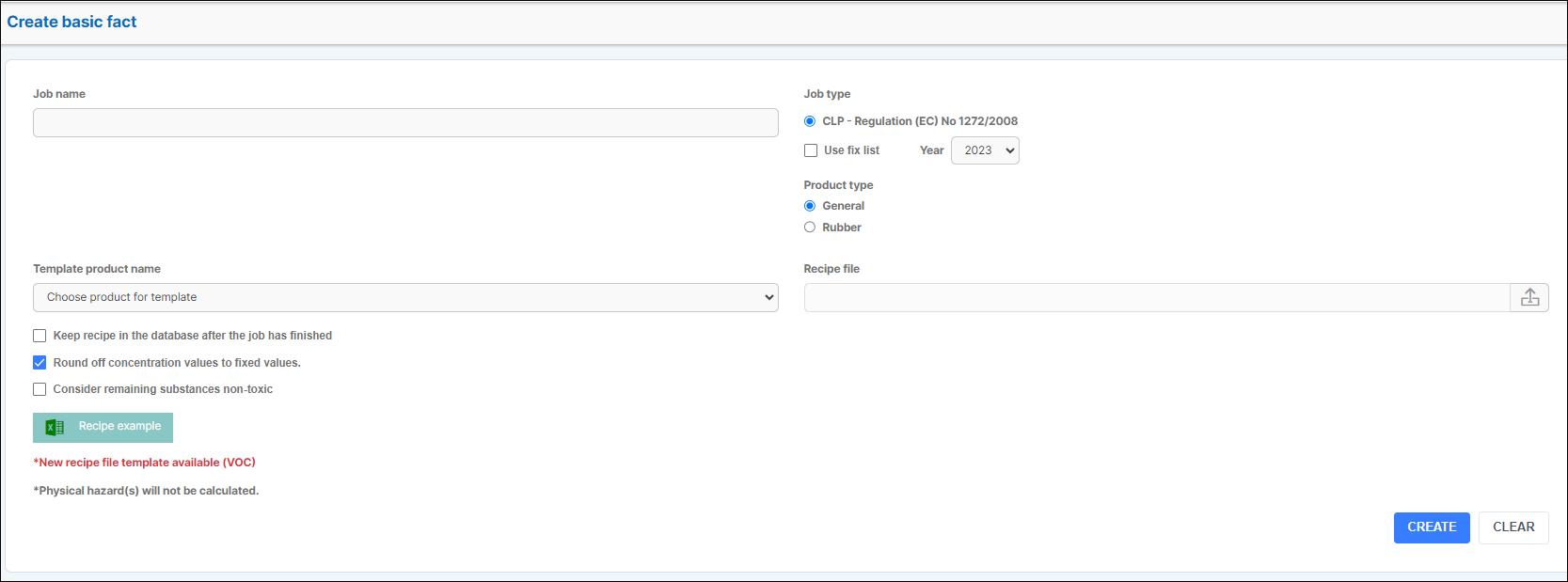
Choose a job name.
Upload the recipe file (excel template from KEMI) to the right via 'Recipe file' by clicking on the upload icon.
When the steps above are done click on the button Create to finalize your job.
The quittance list will be available for download in the Products basic facts module as seen below:

Click on the download button indicated with the arrow and receive the list.