
For: iPublisher
Where: Autogen > Fix list
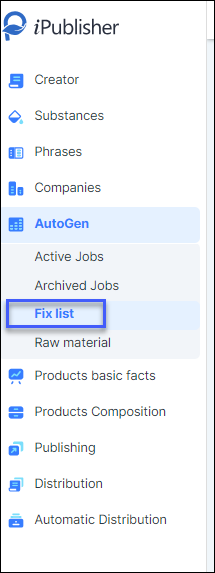
The fix list in the Autogen module helps you overwrite existing substances in raw materials in case they do not contain the correct information.
Before inserting new values for your substances be sure to download the fix list document. The first tab 'Instruction' in the excel explains the minimum information required for your entries and a list of classification codes and hazard statements that you must use in order for Autogen to detect your changes.
In the second tab 'fix_list' you can see columns describing where and which information to insert. After you are done with this, simply upload the document using the 'Upload' button and the values will be added and overwritten.